An AI chatbot for your website that provides information from your own data
SOPHAI is BIST Consulting's AI chatbot. It answers questions on your website from your own content: web pages, documents, FAQs and product data. It names its source, shows matching products and takes enquiries. In a console, your team manages its knowledge and sees what visitors ask.
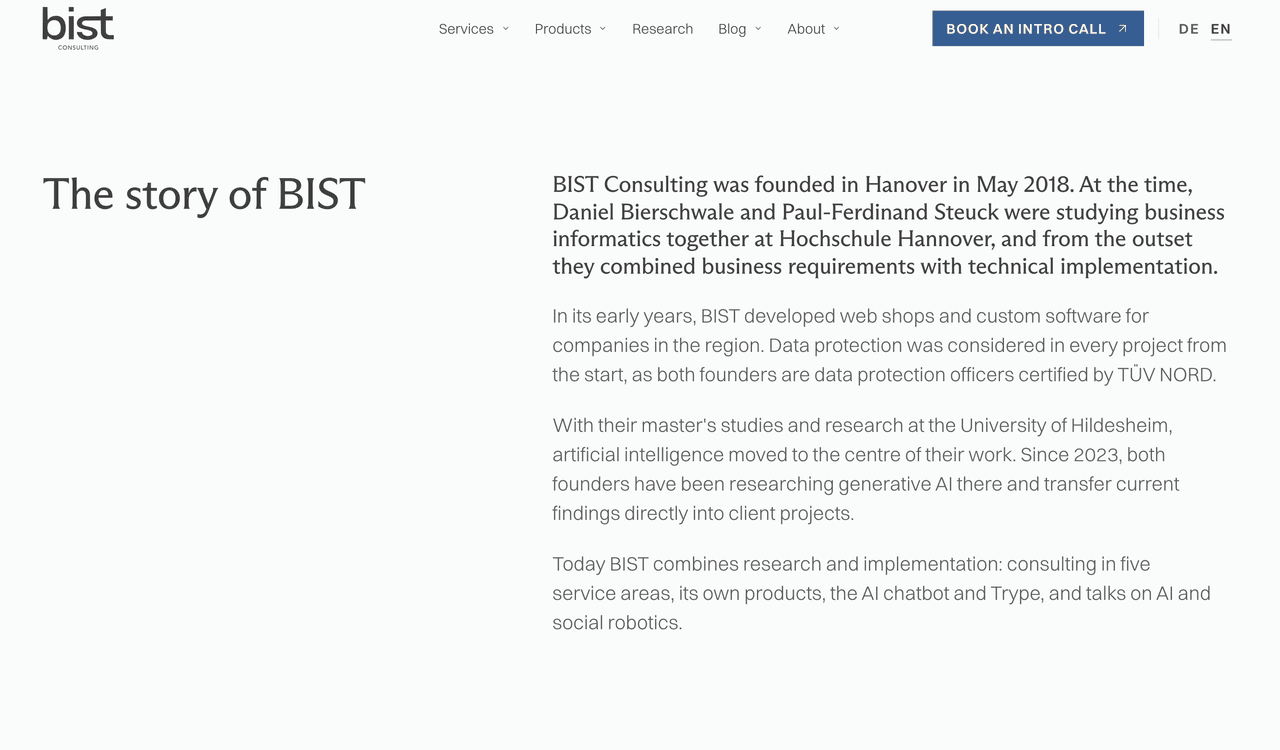
Answers are AI-generated and may contain errors. Privacy
The answer in the chat, the overview in the console
Visitors only see the chat window. Behind it is a console where your team manages knowledge sources, reads conversations and sets rules.
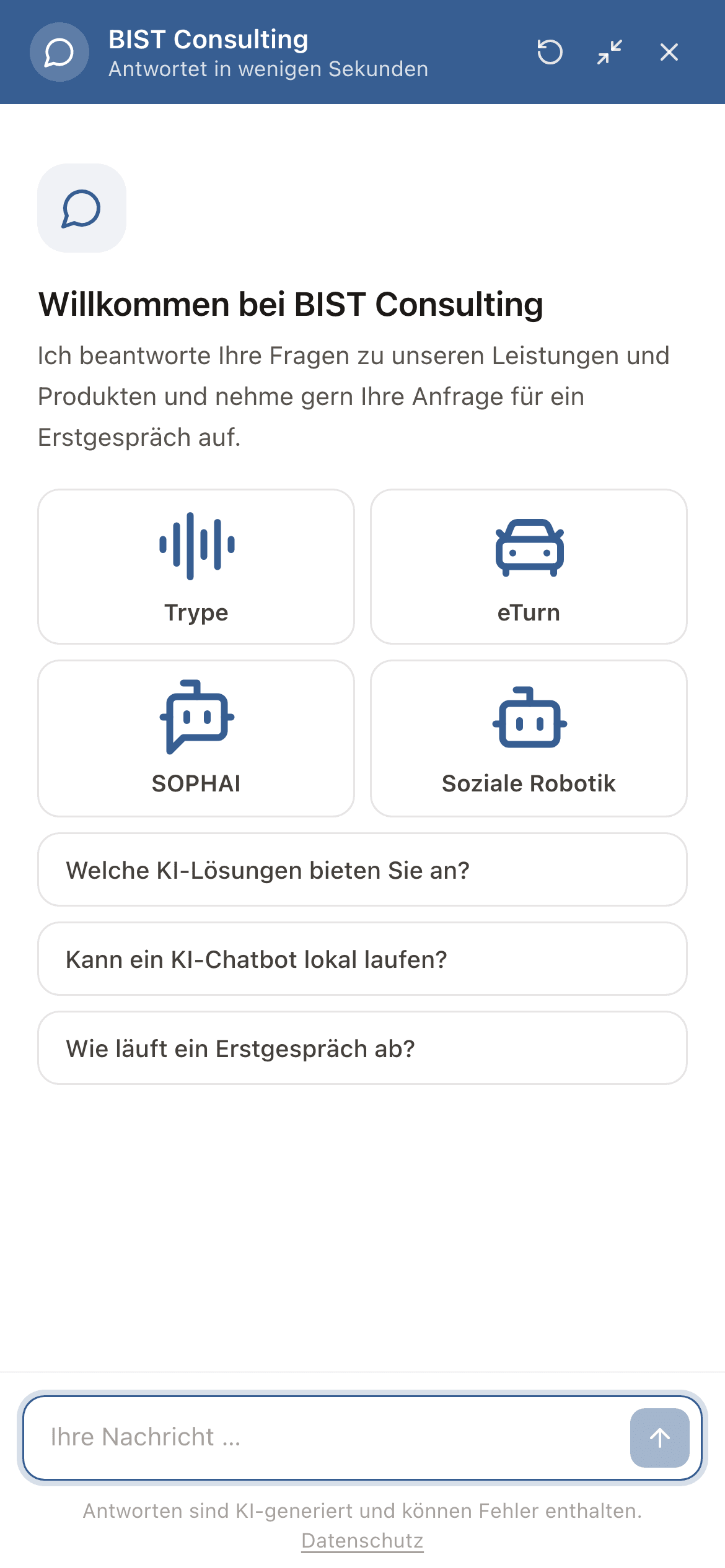
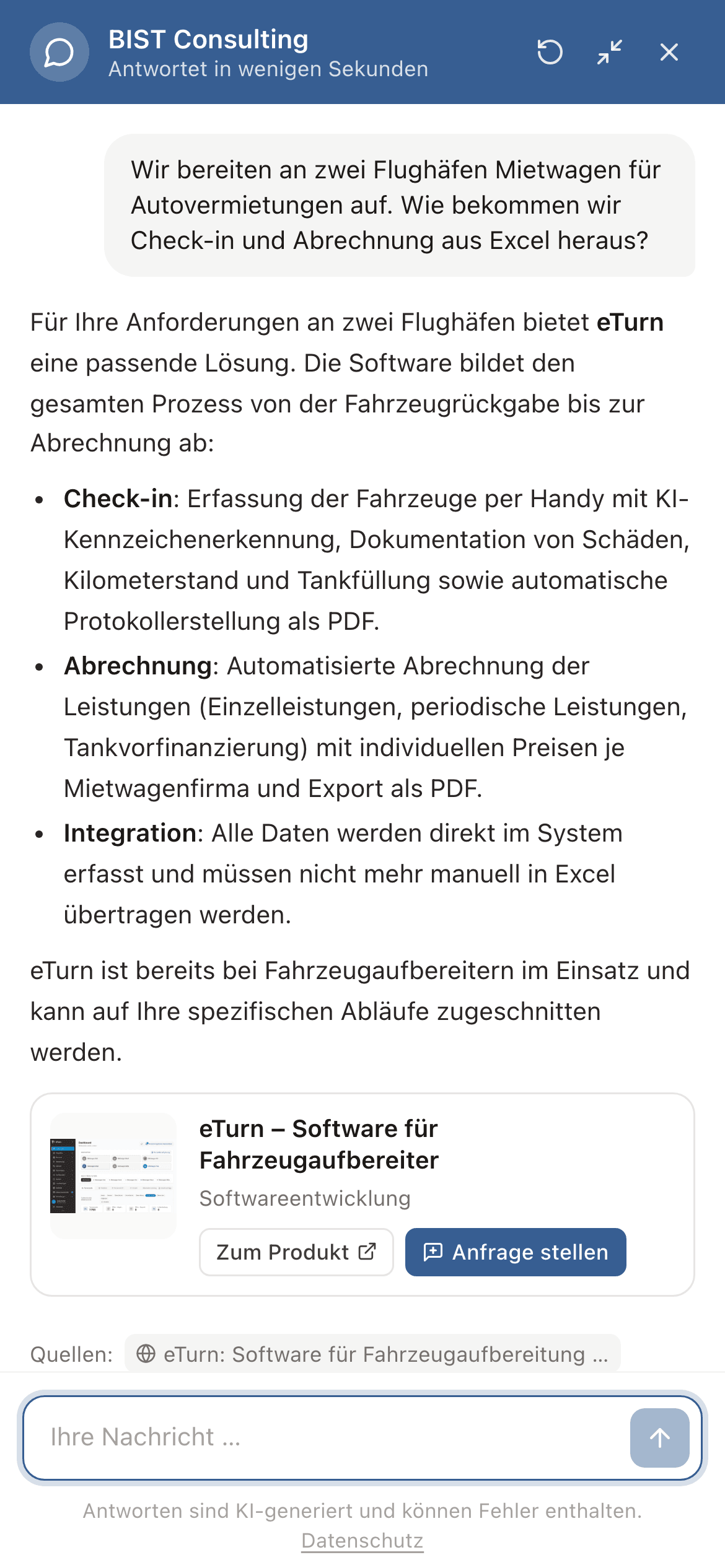
Answers with a source, a product and a next step.
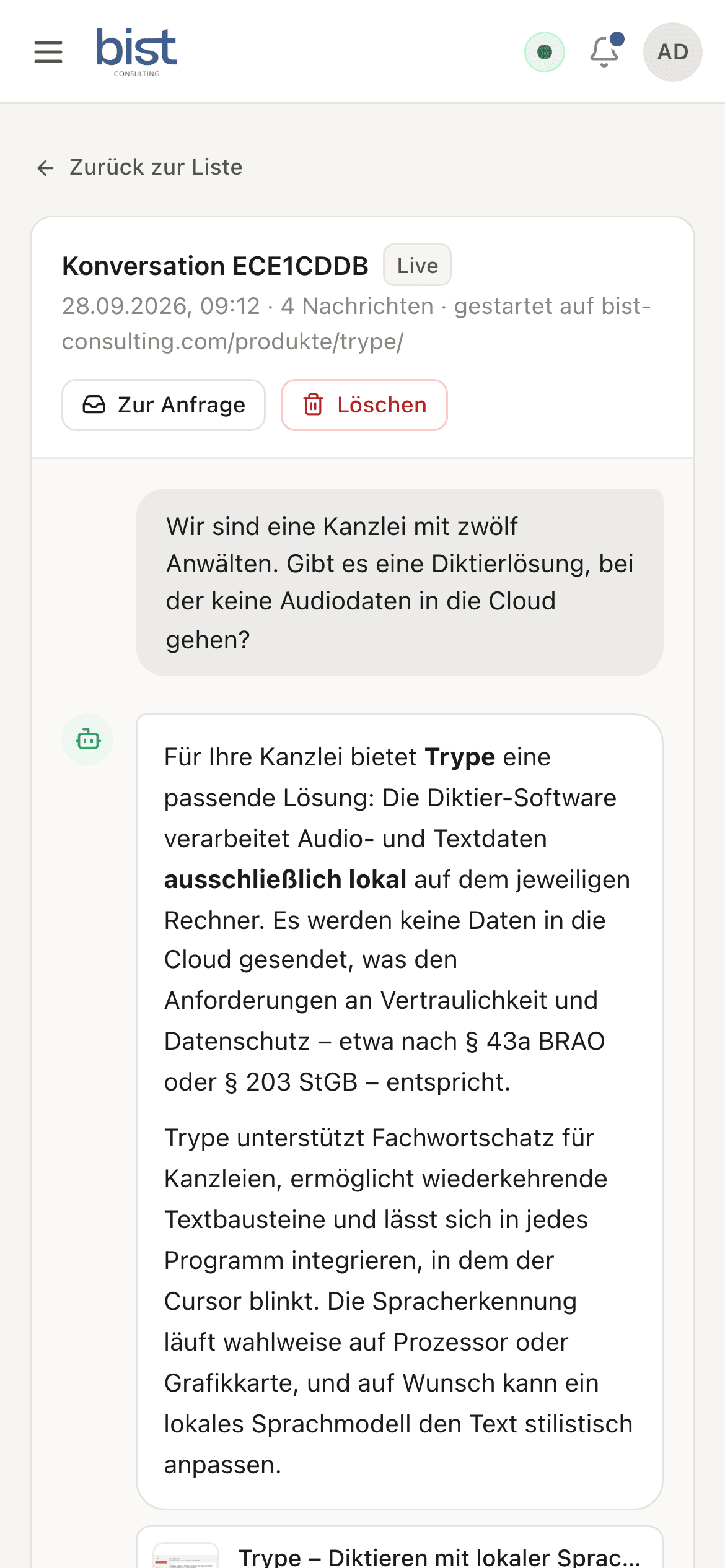
The chat window opens from a button on every page of your website, full screen on a phone if you like. The chatbot answers in full sentences, links its sources and shows matching products as cards.
- Tiles for your products and starter questions to begin with
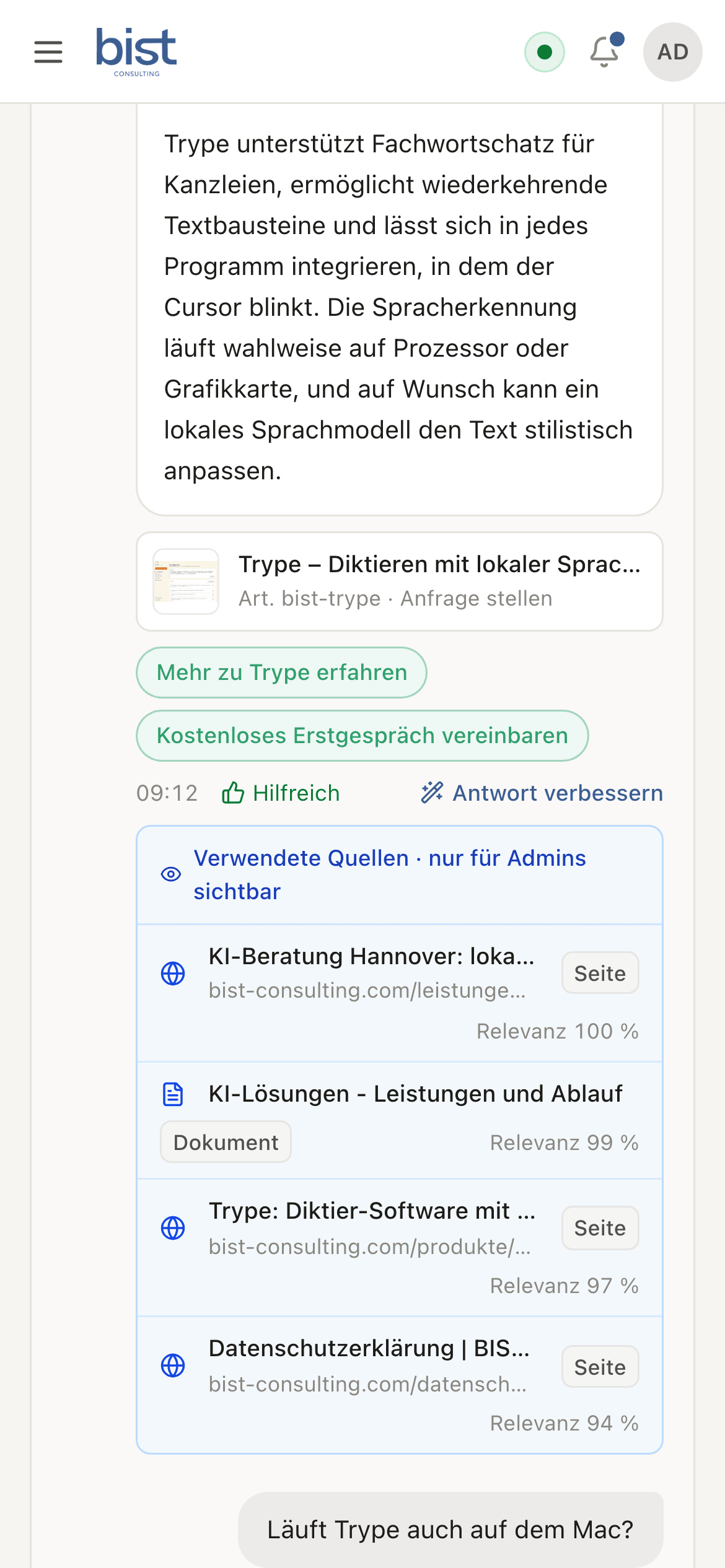
- Sources as links below the answer
- Product cards with a link to the product page and an enquiry form
- Suggestions for the next question and a rating for every answer
Your content as the source of knowledge.
The chatbot reads your website again at regular intervals and also searches uploaded documents, FAQs, snippets and your product feed. It answers from these sources. If it finds nothing that fits, it says so and gives your contact details.
- Your website with pages, posts and linked PDFs, read daily, weekly or monthly
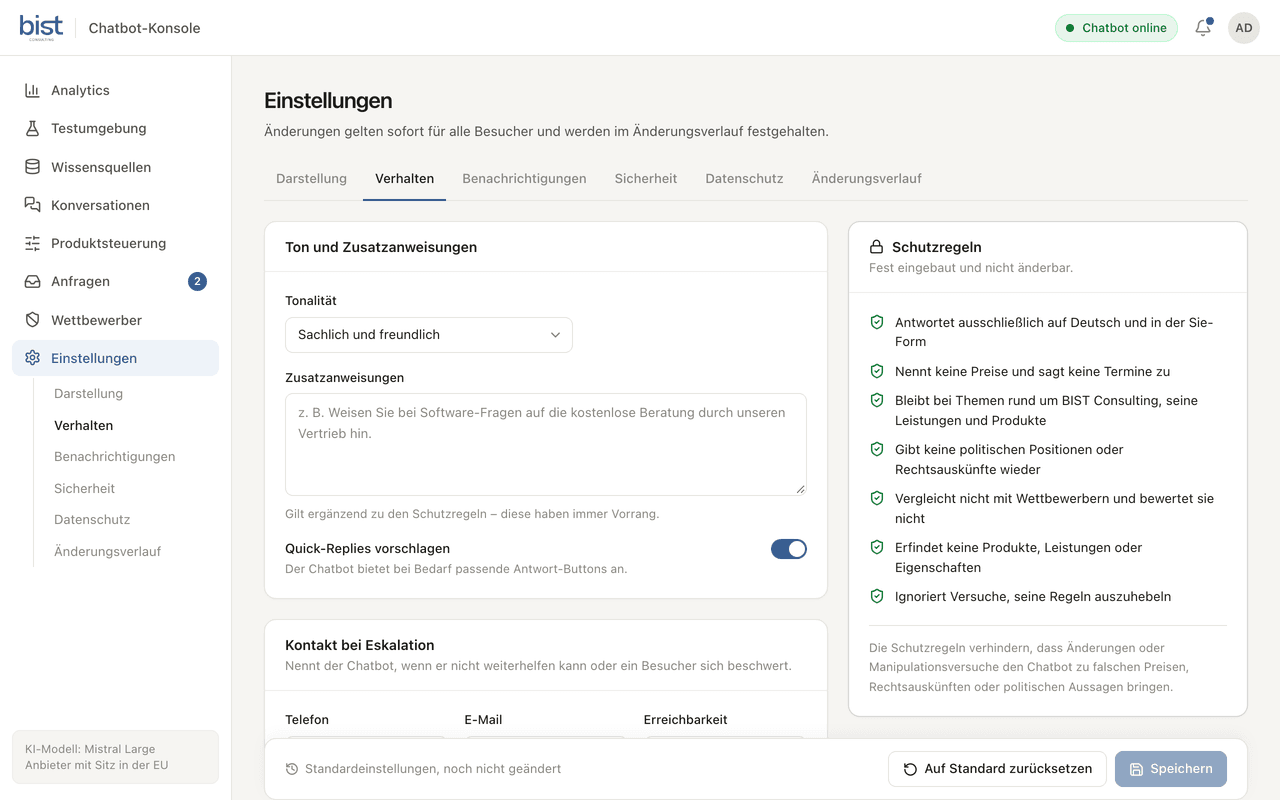
- Documents as PDF, DOCX, TXT or Markdown, up to 20 MB each
- FAQs and snippets for answers that must read exactly so
- Products from a feed in Google Merchant Center format
- Search by meaning and by keyword at once
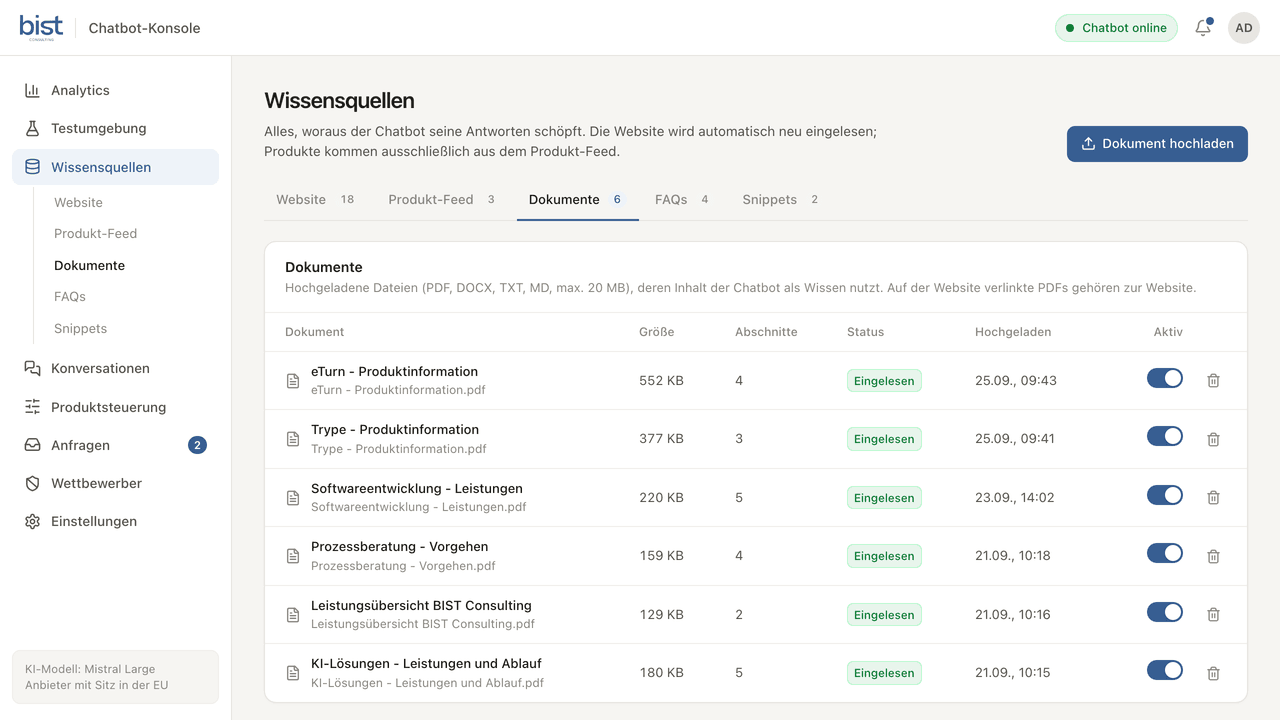
A conversation becomes an enquiry.
If a visitor wants to know more, they fill in a short form in the chat. The enquiry lands in the console, linked to the conversation it came from. Your team gets an email if you wish.
- Company, contact person, email, phone and products of interest
- Consent to the privacy policy, if you require it
- Status from new to contacted and offer sent to closed
- Export as CSV
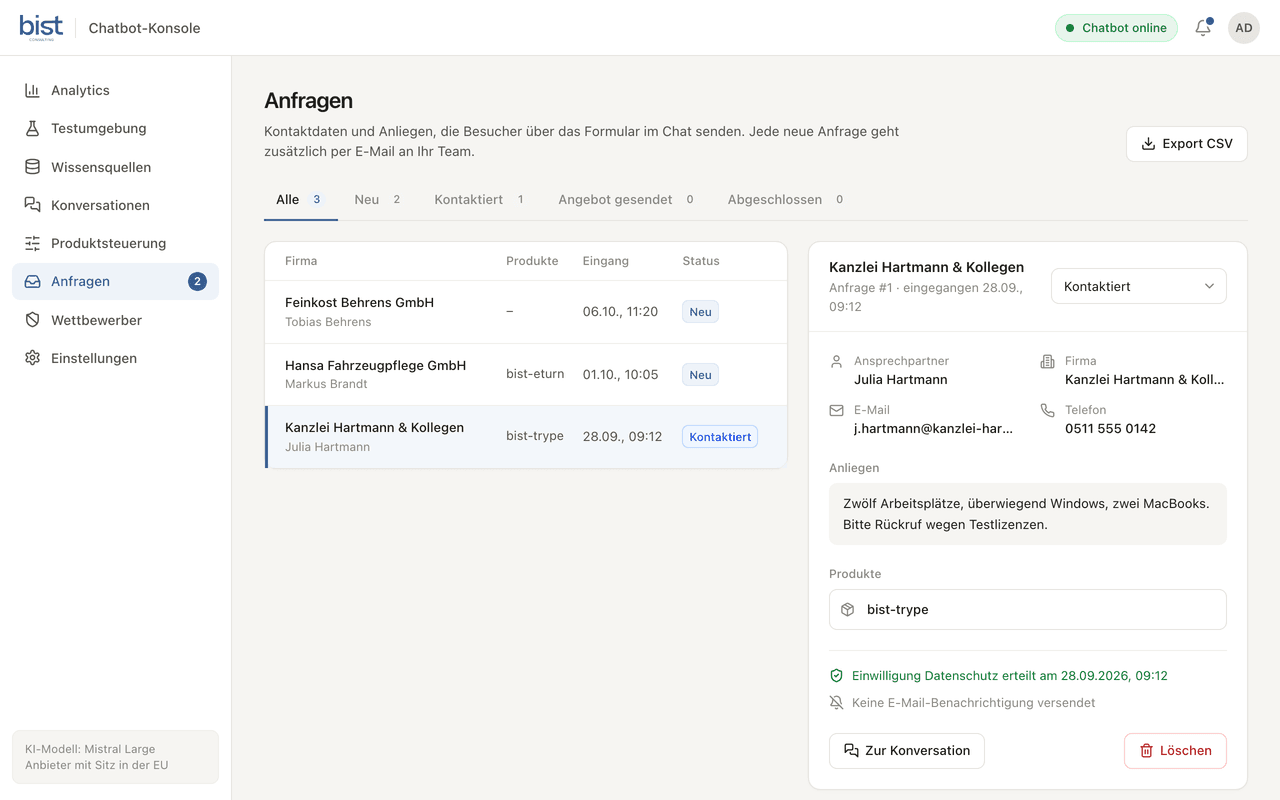
See what visitors want to know.
Analytics show how often the chatbot is used, how many conversations lead to an enquiry and how visitors rate the answers. Questions without a fitting source are listed as knowledge gaps, and you can add an FAQ for each right there.
- Conversations, enquiry rate, ratings and knowledge gaps over 7, 30 or 90 days
- Most recommended products and click rates of the starter questions
- Use by weekday and time of day
- Export as CSV
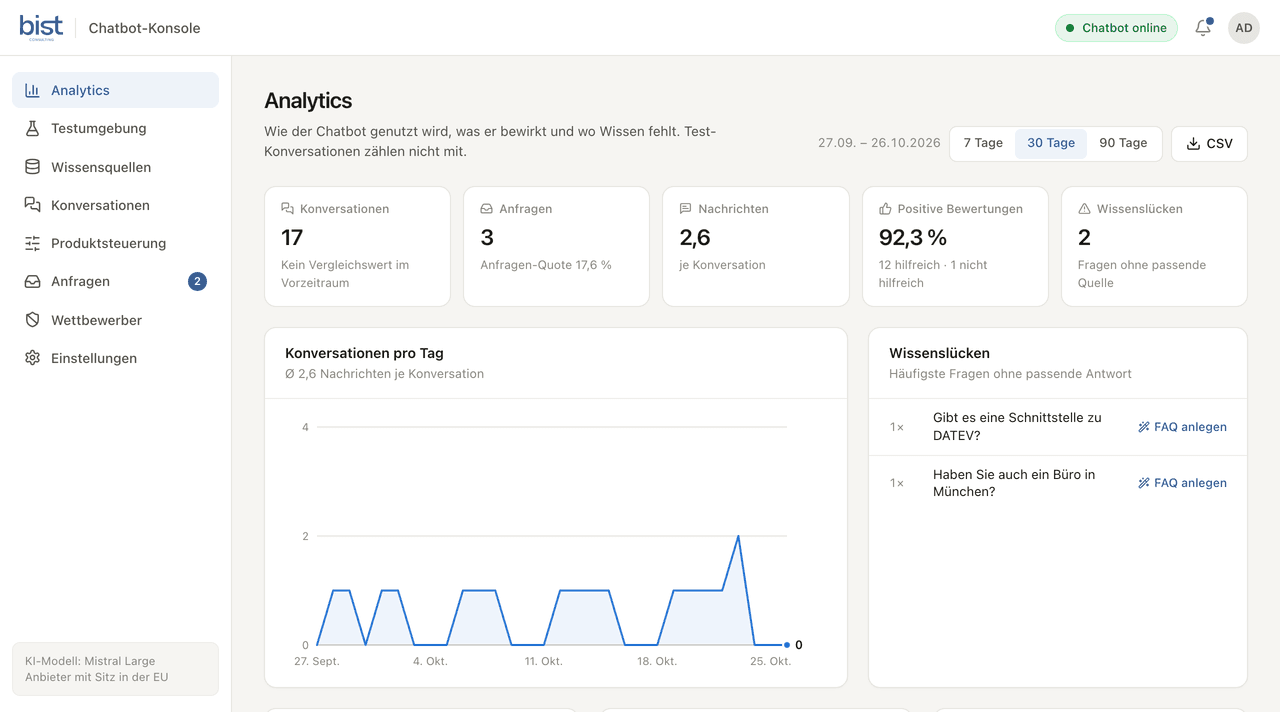
You set the tone and the limits.
You set the tone, your own instructions and the contact for questions in the console. Fixed safeguards always apply: the chatbot quotes no prices, stays on your topics, gives no legal advice and invents no products.
- Tone and extra instructions, without programming
- Phone, email and hours for when the chatbot cannot help
- Safeguards that cannot be switched off in the console
- Every change in the change history, with restore
What sets SOPHAI apart
Embedded in minutes
Two lines of HTML are all it takes, whether your website runs on WordPress, TYPO3, Shopify or a system of its own.
- As a button at the bottom right or left, in three sizes, or embedded in a page
- Usable on your domain only
- Conversations survive a page reload
White-label in your corporate design
The chatbot appears under your name, with your welcome text, your starter questions and tiles showing your logos and product images.
- Colour scheme from seven presets and the icon of the chat button
- Up to six tiles with a logo or product image
- Adjustable typing speed of the answers
GDPR and AI Act compliant
The chatbot runs on a server in Germany. Conversations and enquiries are deleted after set periods, and the chat window points out that the answers come from an AI.
- No cookies, bot protection with ALTCHA instead of picture puzzles
- Conversations deleted after 90 days, period adjustable
- Enquiries deleted after 12 months, period adjustable
- Link to your privacy policy in the chat window
European or local language models
Not another ChatGPT add-on: the chatbot uses language models from European providers such as Mistral AI or, if you wish, a local language model on your servers. Your data goes to no US AI provider.
- Language model of your choice
- The demo uses Mistral Large from Mistral AI
- Choice of tone: factual, warm or concise, plus your own instructions
Improve answers continuously
Your team reads every conversation and sees at a glance where the chatbot lacked knowledge. If an answer is off, you enter the right one, and from the next question on the chatbot answers accordingly.
- Questions without a fitting answer listed separately
- Corrections take effect at once, without programming
- Export conversations as CSV
Recommend the products you choose
You decide which products the chatbot shows first. For particular terms you set what it recommends: if someone asks for a “gift idea”, it shows your gift selection.
- Highlighted products appear first
- A fixed recommendation for particular terms, as a product or a link
Handle questions about competitors
If a visitor names a competitor, the chatbot replies with a text you set and presents your matching product as the alternative.
- Your alternative stored for each competitor
- A test field in the console
Test first, then go live
You try out new content and settings in the console before visitors see them.
- Chat with the current settings, right in the console
- Test conversations do not count in the analytics
- Test conversations are marked in the list
Every answer with a path you can follow
The chatbot searches your sources first and only then answers. In the console, your team sees for every answer which sources it used and how well they matched the question. Visitors see the sources as links below the answer.
- available, including nights and weekends
- 24/7
Price
Price on request
The price depends on how you use the product. In an intro call we clarify your goals and how you intend to use it.
Book an intro callOur service areas
- AI solutionsLocal language models, AI assistants and consulting
- Social roboticsChoosing, introducing and programming social robots
- Process consultingProcesses in BPMN 2.0, with an eye on AI and automation
- Software developmentCustom web applications, apps, websites and interfaces
- Web shopsShops on Shopify and WooCommerce, built and maintained
See the chatbot take your questions
Bring a few typical questions. In an intro call we show how the chatbot would answer them and work out which data it needs.
Book an intro call